 AudioBook
 Series tracking
Following a series so new books arrive as wanted.
A series in ABM is a catalog: every book Libex knows in it, with the ones you own marked. It exists whether or not you own anything in it.
Monitor New Books
Section titled “Monitor New Books”Each series and author has a Monitor New Books choice, All or None. You set it in the Add New dialog when you add one, and again from the same dialog for one already in your library. It starts at All for a series and None for an author. When a refresh finds a book that was not in the catalog before, All adds it as wanted and None leaves it. The first time a catalog is built nothing counts as new. The choice is saved on the series or author, and refreshes apply it. The series and author pages don’t show it.
Filling gaps
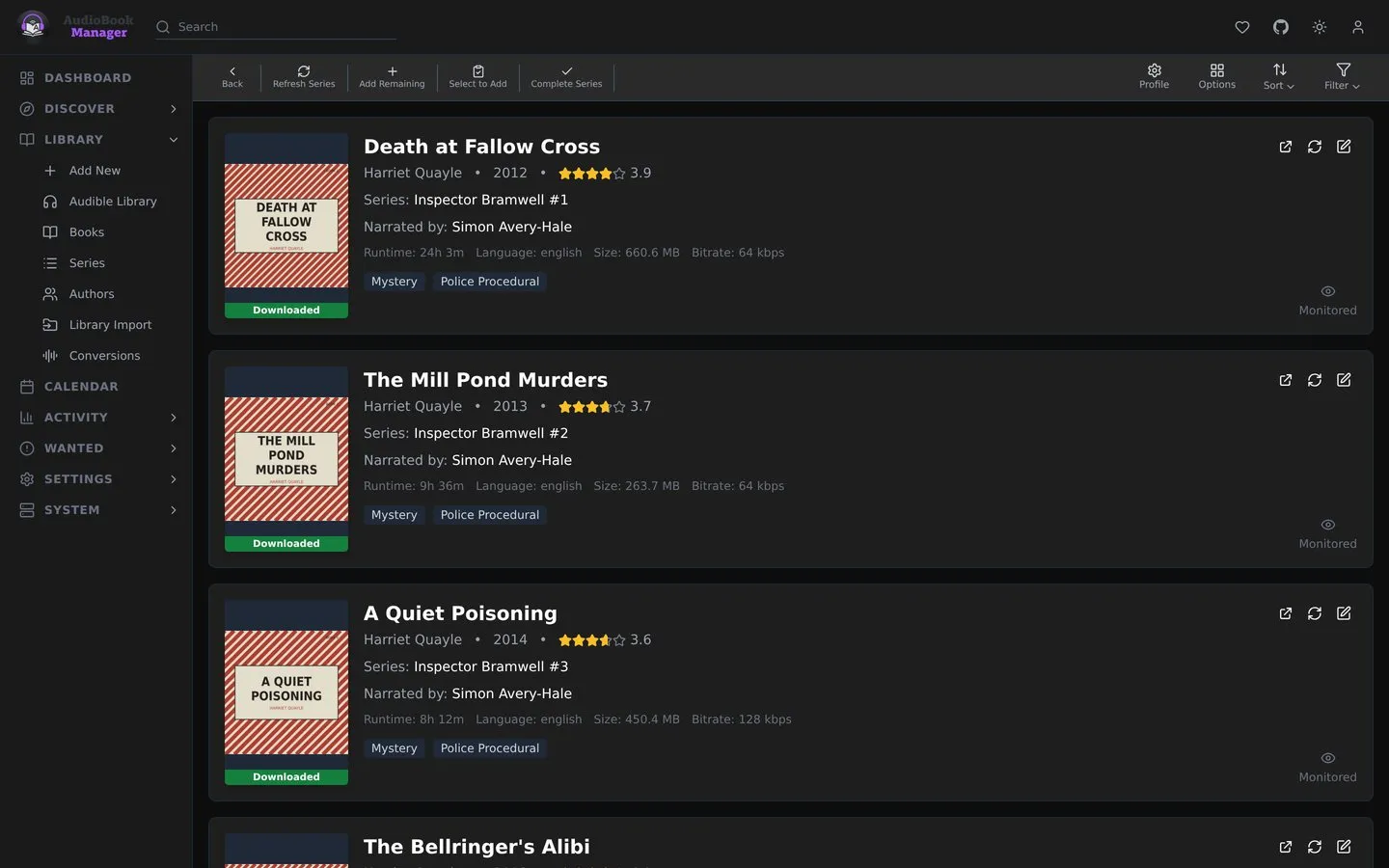
Section titled “Filling gaps”Open a series and add its missing books. They enter as wanted with the profile and root folder you choose, and ABM searches for them like any other wanted book.
Status you see
Section titled “Status you see”The Series list shows how many of each series’ books are downloaded, as 3/7 Books, with a colour for Downloading, Continuing, Complete or Missing Books. Open a series to see each book’s own status, where a downloaded book with no files on disk reads Missing Files.
Gotchas
Section titled “Gotchas”- A series you added by hand stays, even with no books, until you remove it.
- Box sets with a range position such as “1-7” sort after books with a real number when ABM has to pick a primary series.
- Deleting a series also deletes the books it has in the library, after a confirmation that lists them. See Library.