 AudioBook
 Library
Books, authors and series, and how ABM tracks their status.
The Library menu has three lists: Books, Series and Authors. Add New and Library Import put things in them. Audible Library and Conversions are covered on their own pages.
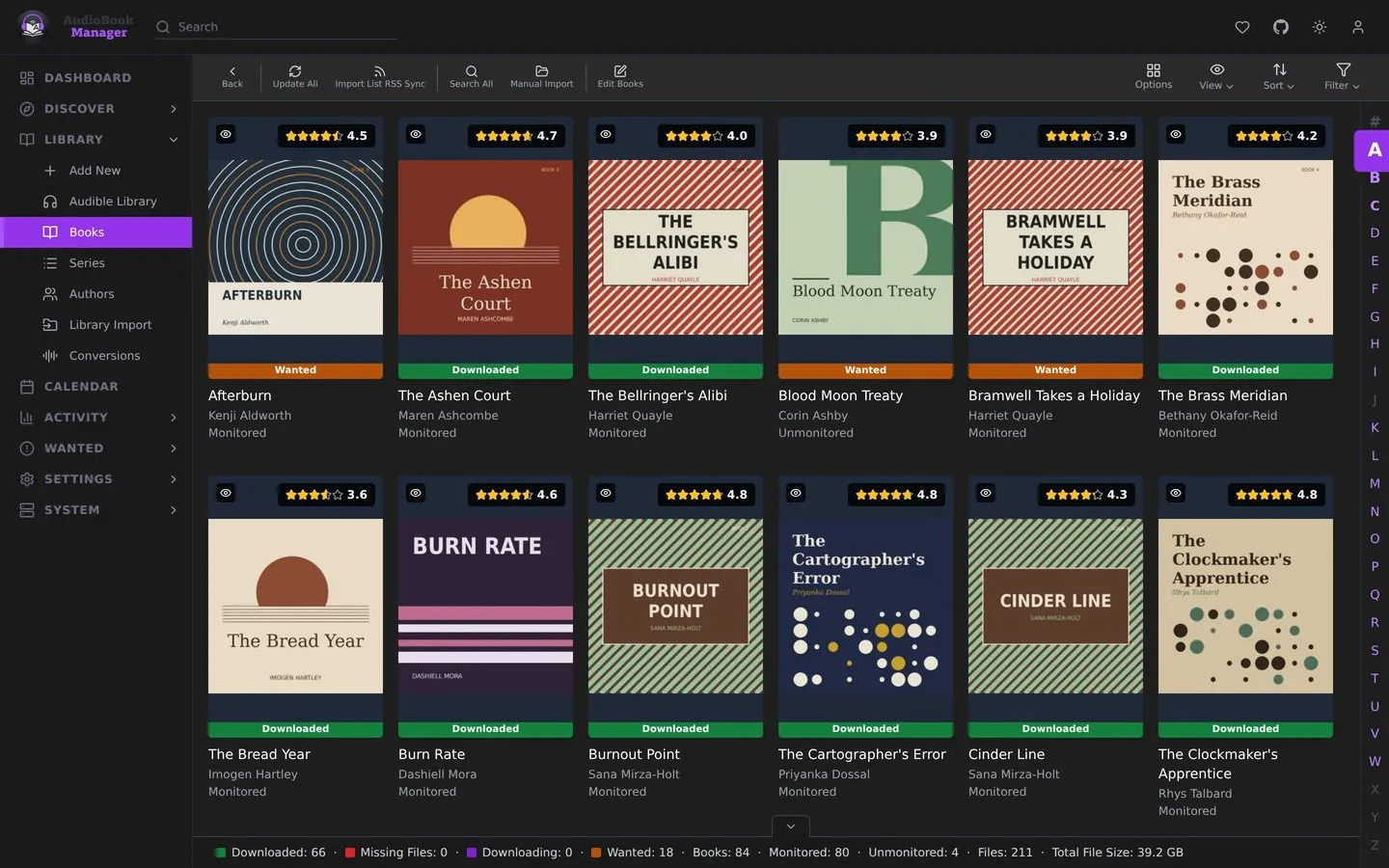
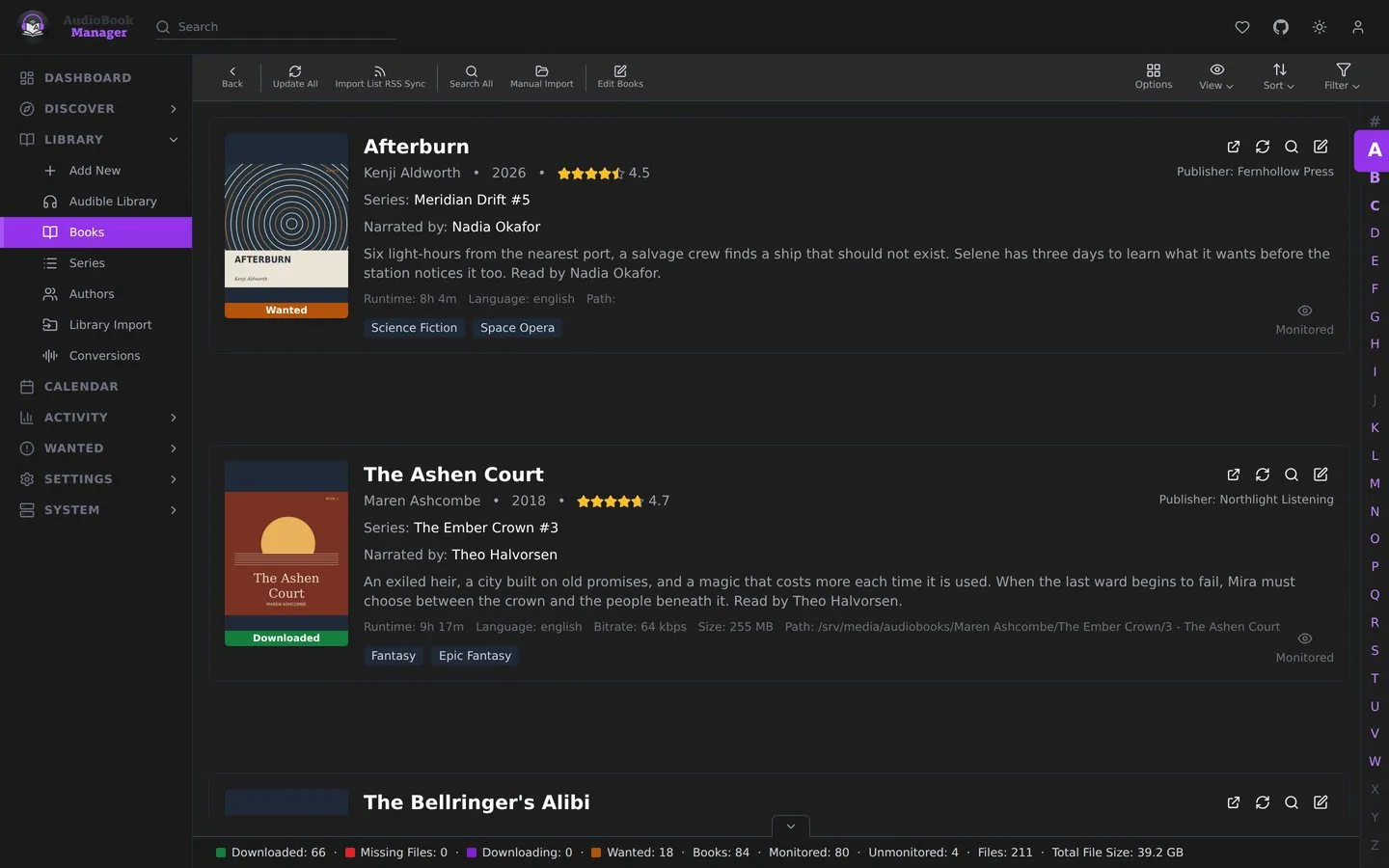
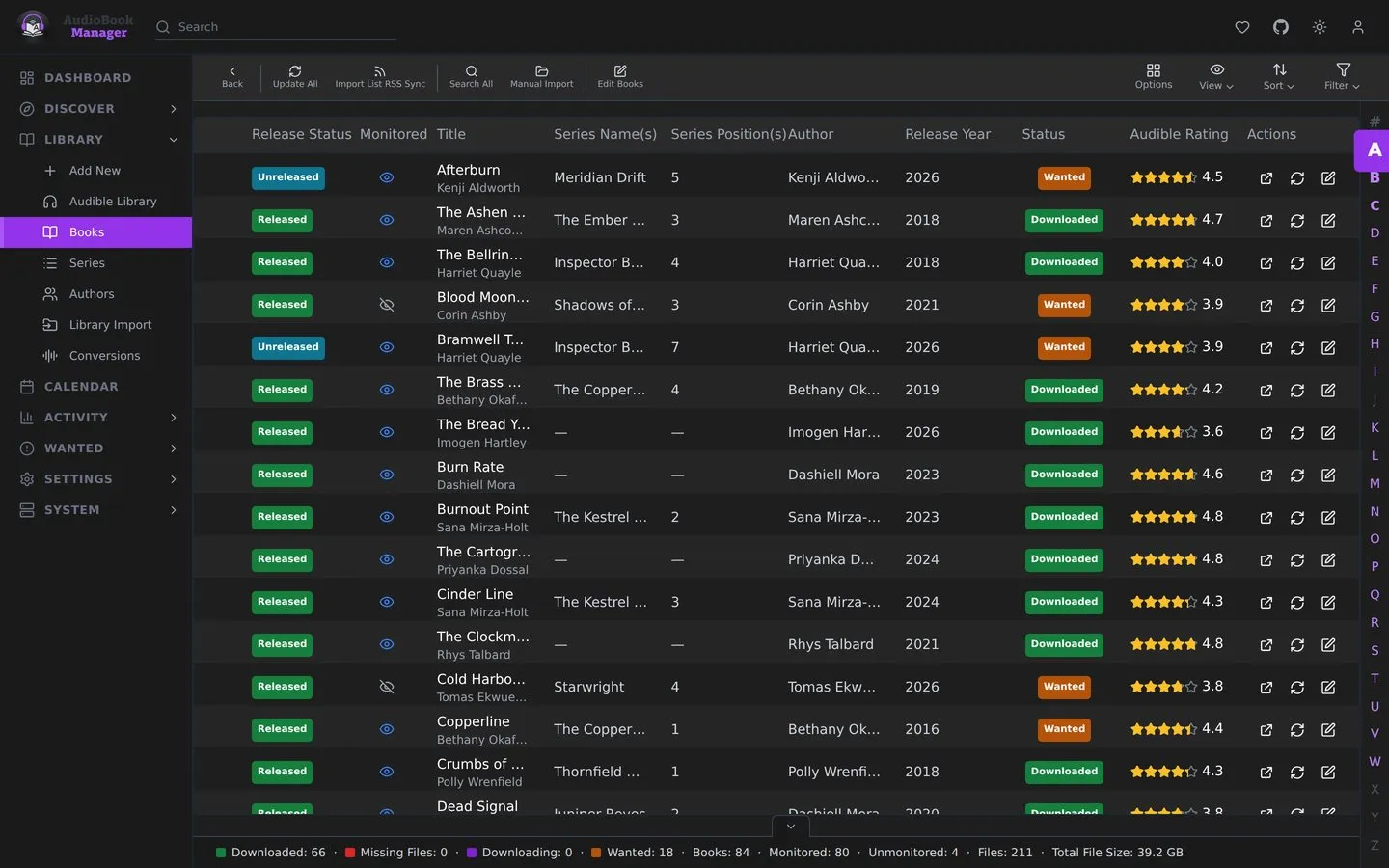
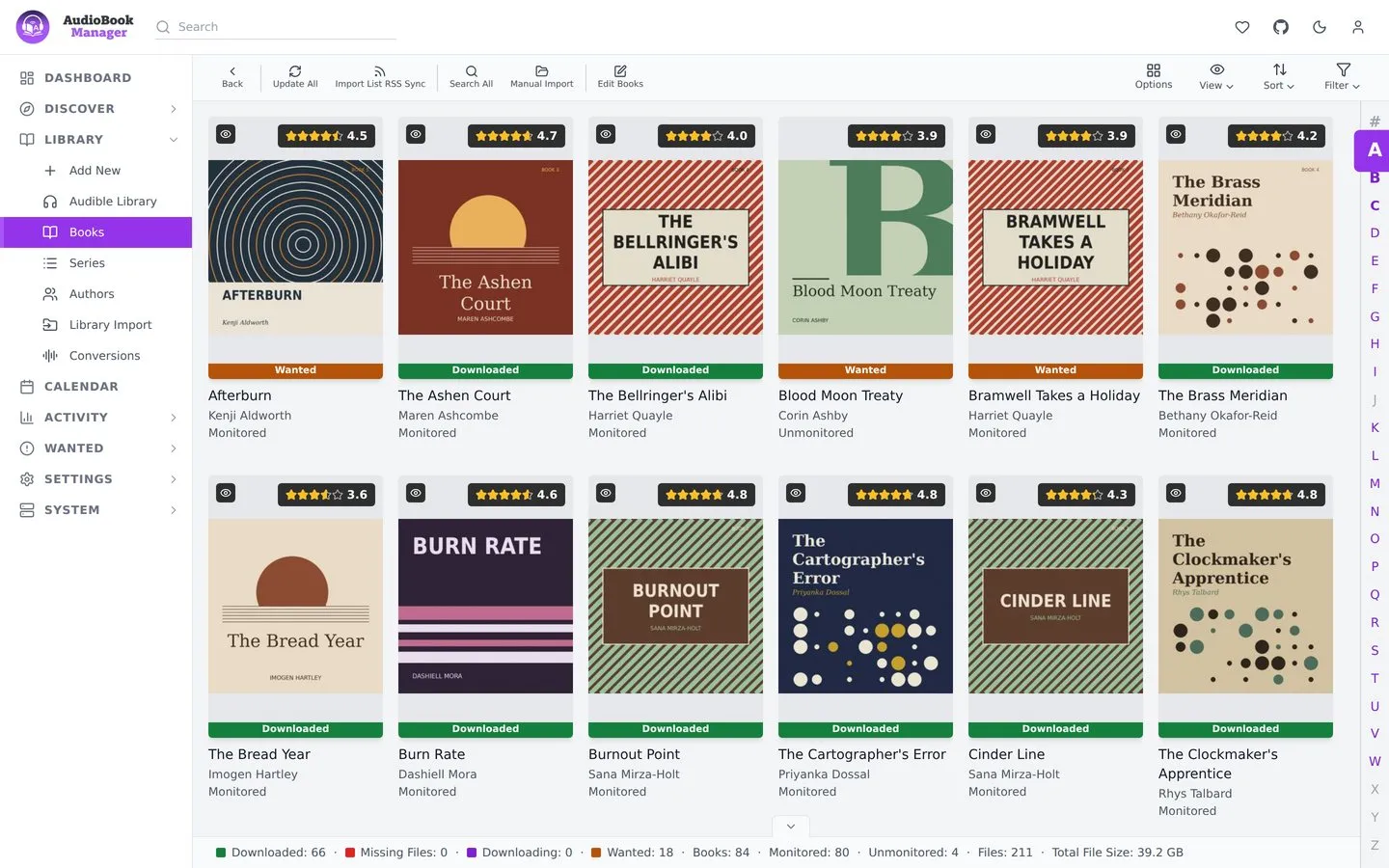
Each book is an overview row, a poster or a table line (the view switch is in the toolbar). A book has a status:
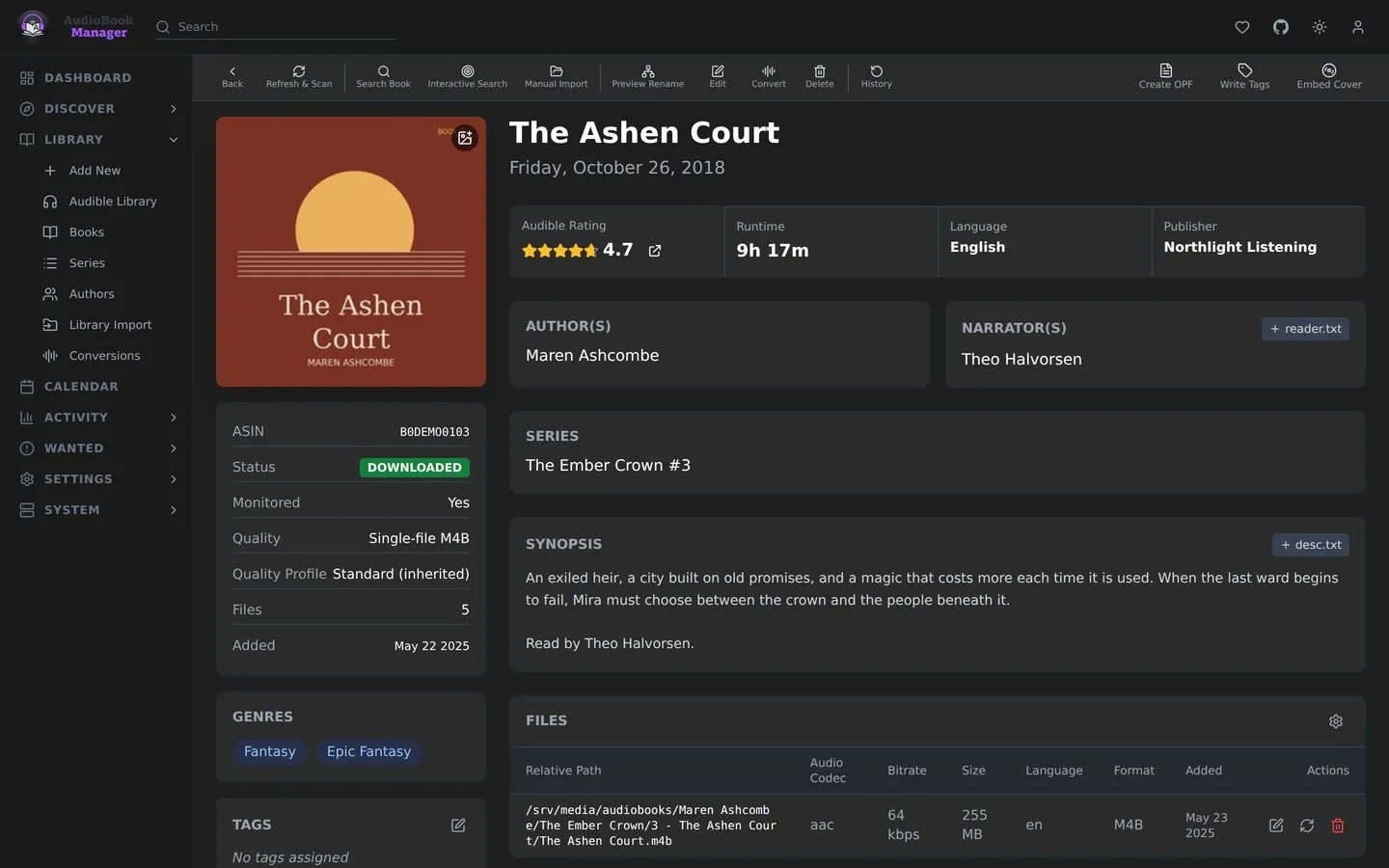
- Wanted: monitored, no files yet. ABM searches for it.
- Downloaded: files are on disk.
- Missing Files: the book was downloaded, but its files are no longer where ABM expects them.
- Unmonitored: ABM leaves it alone.
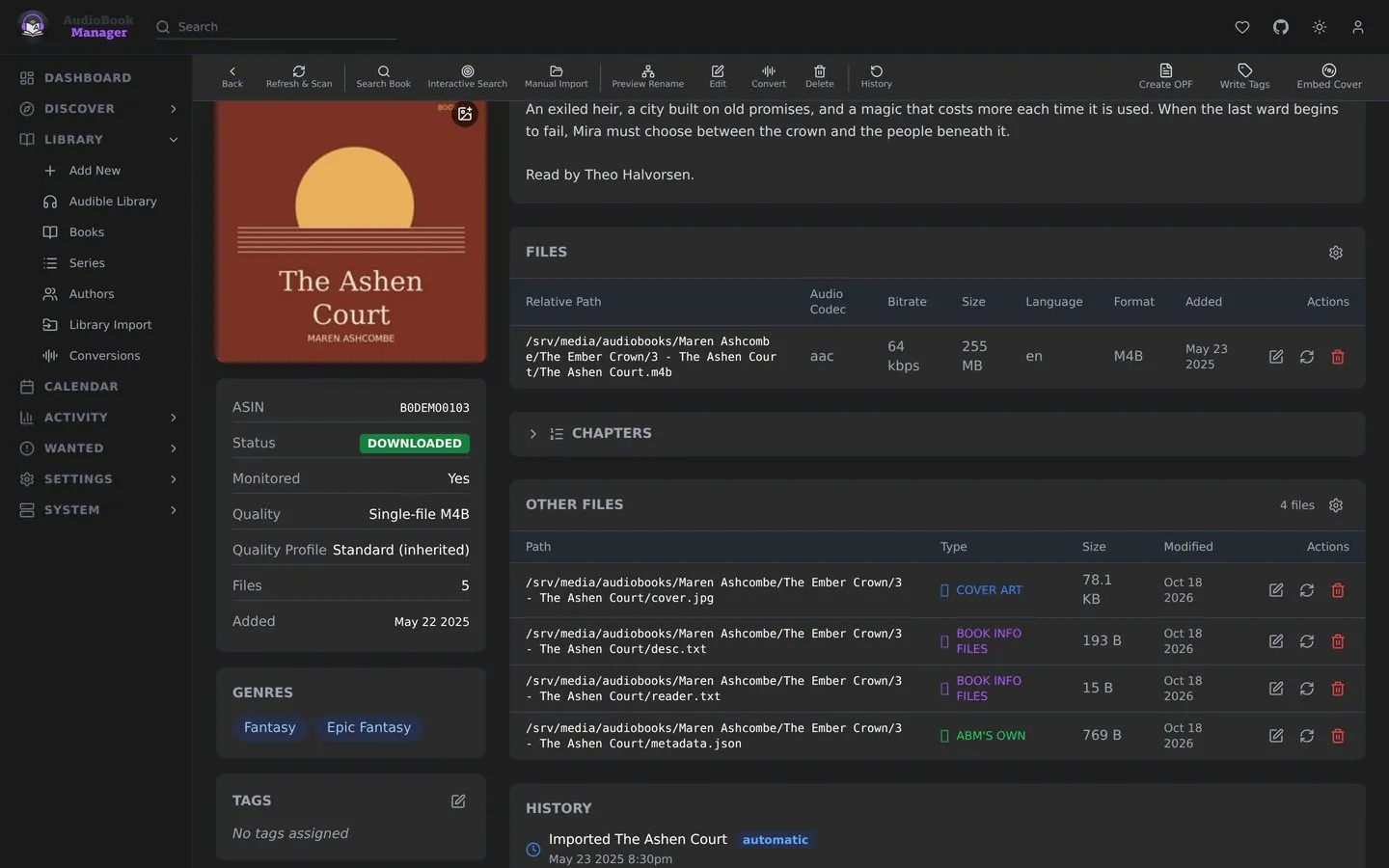
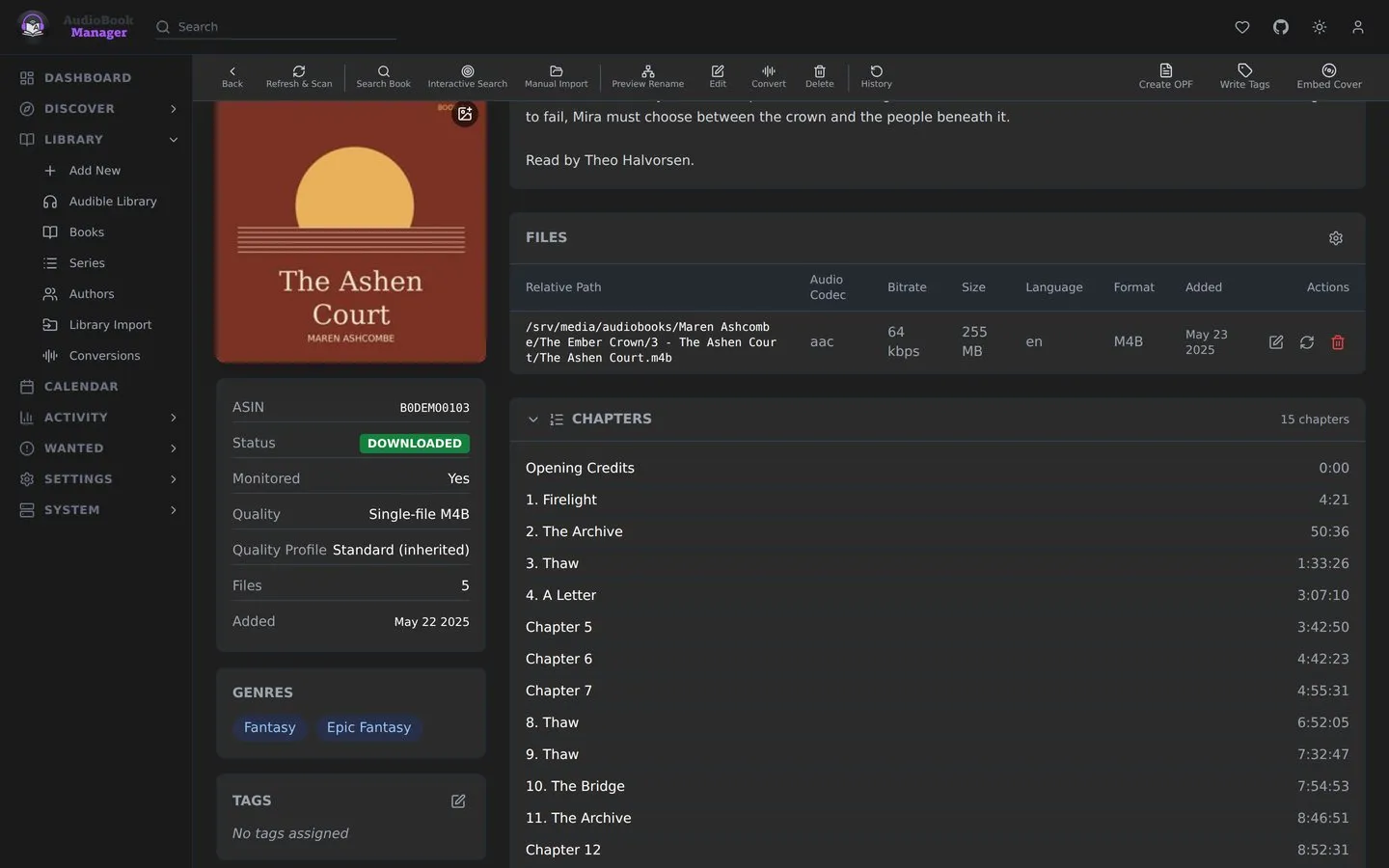
Open a book for its detail page: files, metadata, history, the quality ABM measured, and actions such as Refresh & Scan and the edit dialog (see below). See Sidecar files.
If you know Sonarr: a book is an episode, a series is a season-and-show in one, and an author is a way to group both. The difference is that one book can belong to several series, and ABM uses the primary one (the lowest position) when it needs to pick.
Series
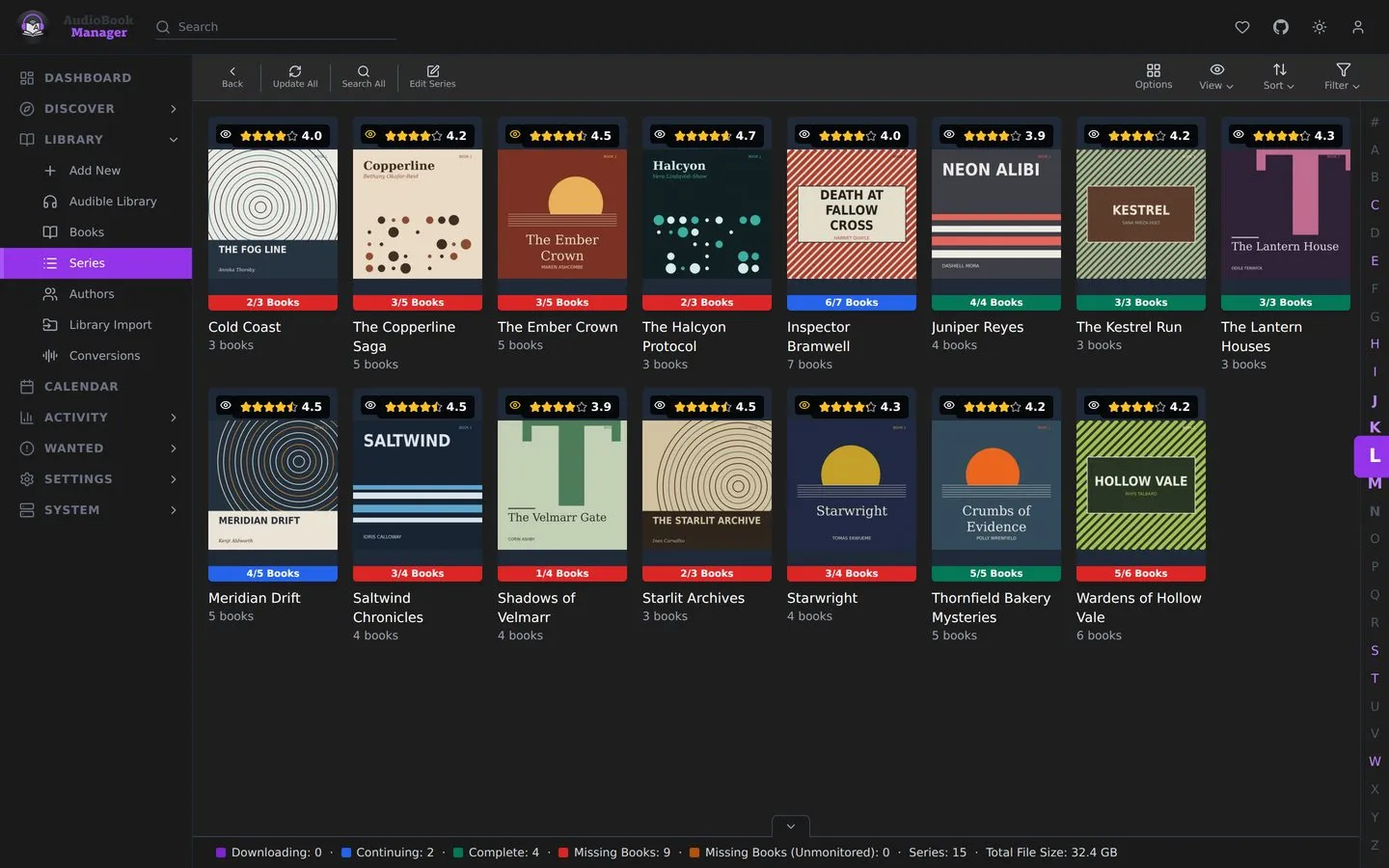
Section titled “Series”Library > Series lists every series as Posters or Overview. Each shows a bar such as 3/7 Books, coloured Downloading, Continuing (everything released is downloaded and more is coming), Complete, Missing Books or Missing Books (Unmonitored). The filter offers All, Monitored Only, Unmonitored, Missing and Wanted. A series page shows the whole catalog, including books you don’t own. Filter it to All, In Library or Not in Library. Add Remaining or Select to Add brings the missing books in as wanted, and Refresh Series pulls the catalog again. Monitor New Books (All or None, chosen in the Add New dialog) decides whether books that come out later are added as wanted. See Series tracking.
Authors
Section titled “Authors”Library > Authors lists authors as Posters or Overview, with the same progress colours as Series. The filter offers All, Has Books and No Books. An author page shows their catalog grouped by series, with downloaded and total counts for each series, plus their quality profile, genres and rating. Refresh Catalog pulls it again and Search Author searches for their wanted books. Monitor New Books works the same as for a series, and an author starts at None.
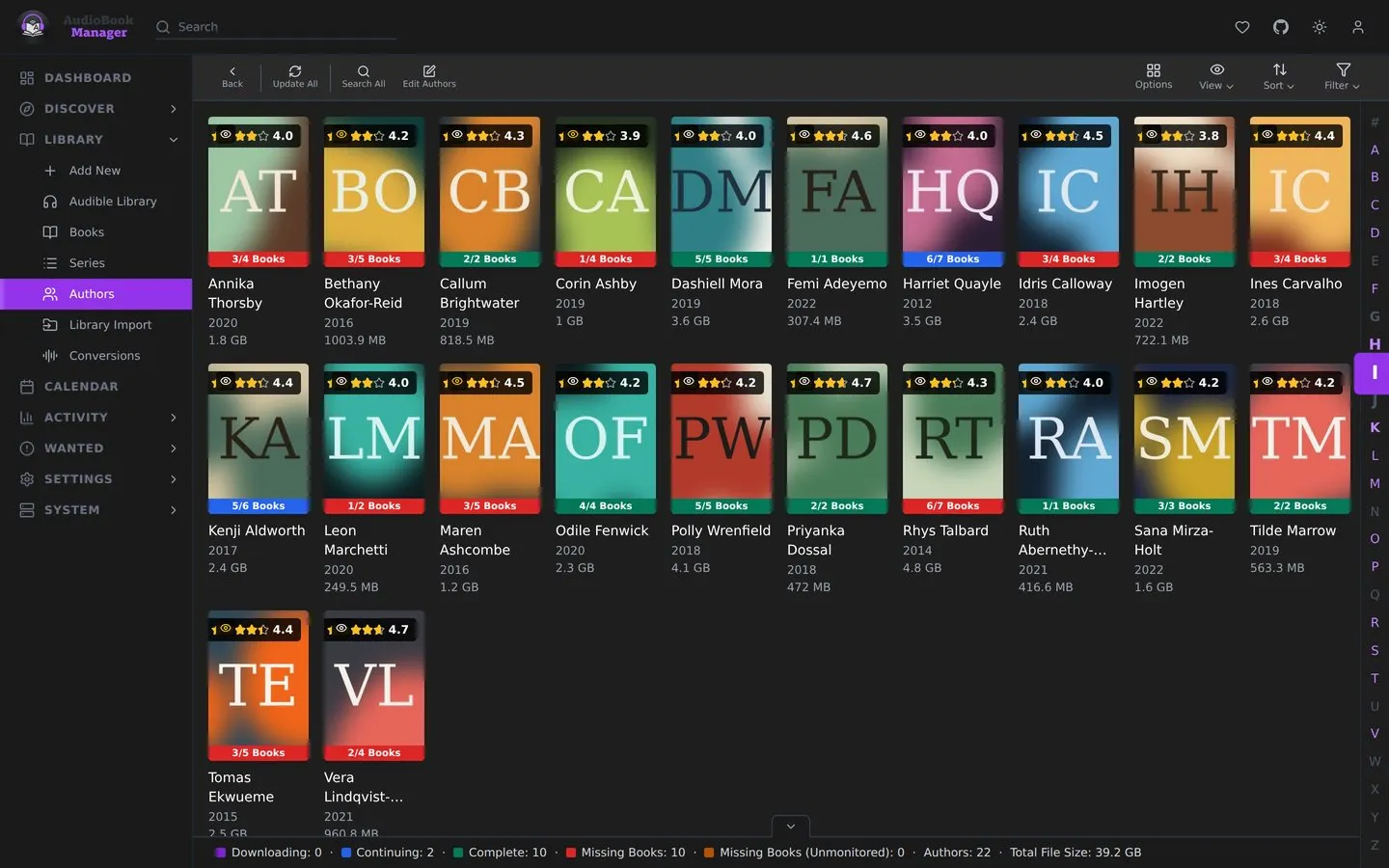
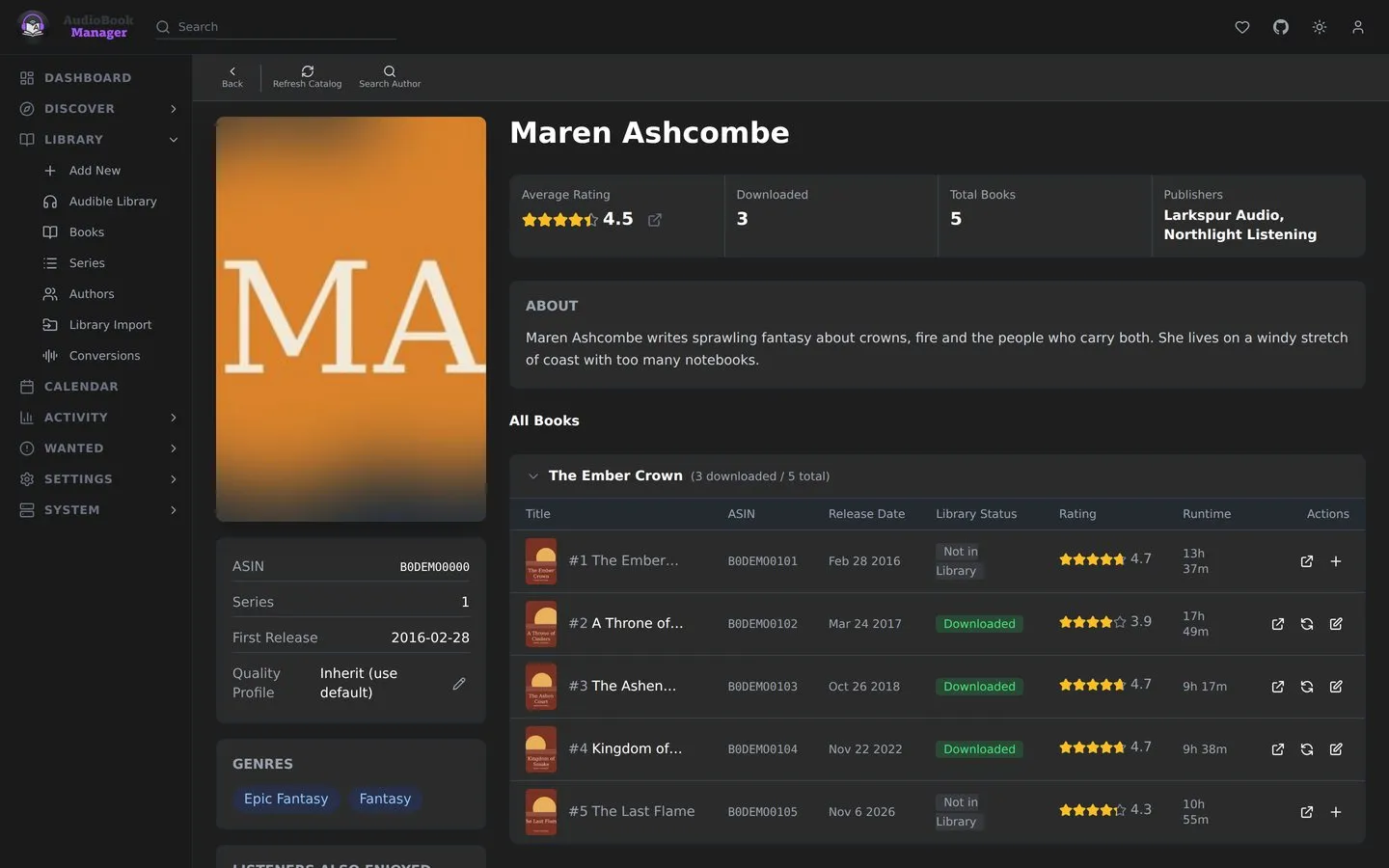
Deleting a series or author also deletes the books it has in the library. The dialog lists those books first, and flags any that are co-authored or also in another series. When there are books you type delete to confirm. Two boxes are off by default: one stops lists from adding these books again, and the other deletes the book folders and their contents from disk. Afterwards ABM removes any other author or series left with no books, except ones you added yourself.
Quality profile inheritance
Section titled “Quality profile inheritance”A book’s quality profile comes from, in order: its own override, its primary series, its primary author, then the default profile. See Profiles.
The edit dialog
Section titled “The edit dialog”The edit dialog on a book changes ABM’s own settings for it, not its metadata:
- Monitored
- Quality Profile (No Change when editing several)
- Path, for one book (with a button to recompute it), or Root Folder for a selection
- Tags
- Write to Directories: cover.jpg, desc.txt, reader.txt and an OPF (the checkbox reads “metadata.opf”; the file is named after the book’s first audio file, for example
Dune.opf, ortitle.opfwhen there is no audio) - Write to Audio Files: write metadata tags
The same dialog opens for series and authors and applies to each of their books. The write options run when you save.
Books, authors and series can carry tags. Tags steer indexers, notifications, import lists and profiles, and filter the calendar feed. See Tags.
Selection
Section titled “Selection”Select rows to act on several at once: monitor, search, tag, rename, delete. Deleting books shows the delete task’s own progress and result, including how many it actually deleted, and refreshes the list in place. A refused or failed delete or removal (Series, Authors, Blocklist, Queue, a Library Import session) shows the server’s reason in a toast. On a phone, see Phone use.