 AudioBook
 Metadata
Which sidecar files and audio tags ABM writes, and when.
Settings > Metadata decides what ABM writes into a book’s folder and its files. How these files are used is on Sidecar files.
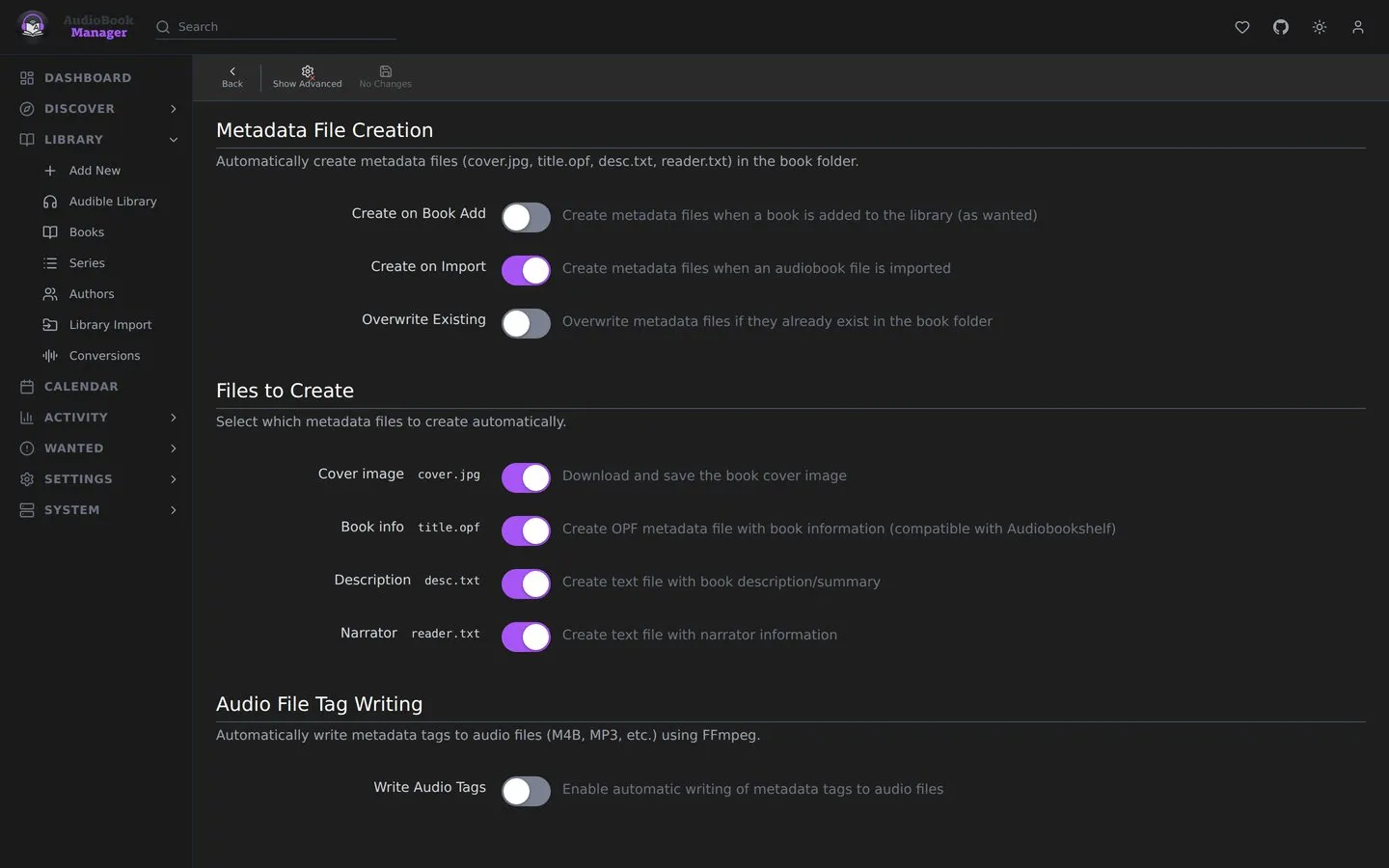
Metadata File Creation
Section titled “Metadata File Creation”| Setting | Default | Effect |
|---|---|---|
| Create on Book Add | off | Write files when a book is added as wanted |
| Create on Import | on | Write files when an audiobook is imported |
| Create on Refresh | off | Create or update files when metadata is refreshed |
| Overwrite Existing | off | Replace files already in the folder |
Under Files to Create, all on: Cover image (cover.jpg), Book info (an .opf named after the first audio file, compatible with Audiobookshelf), Description (desc.txt) and Narrator (reader.txt). Create on Refresh shows with Show Advanced.
Audio file tag writing
Section titled “Audio file tag writing”Uses ffmpeg to write tags into the audio itself.
| Setting | Default |
|---|---|
| Write Audio Tags | off |
| Write Tags on Import | on, once tag writing is on |
| Write Tags on Refresh | off |
Tag fields, all on by default: Title, Artist (Author), Album Artist (Author), Album (Title/Series), Genre, Year, Comment (Description), Narrator (Composer) and Cover Art.
Coming in a later release
Section titled “Coming in a later release”A choice of metadata source and a local copy of the metadata library are planned for a later release. See Your metadata, your control.
Gotchas
Section titled “Gotchas”- Tag writing changes the audio files. Audiobookshelf will see them as modified.
- If metadata or a cover cannot be fetched during tag writing, the call returns warnings instead of failing.