 AudioBook
 Activity
The queue, history and blocklist.
What your download clients are working on. Row actions include Grab now, Import Now, Manual Import and Retry Now, and Configure remote path mapping when a finished download sits in a path ABM cannot see.
Check for Imports in the toolbar checks every completed download for something to import, or only the selected rows when some are selected. A row’s Import Now imports just that row, and the result says how many of the ones you picked were not ready. A failed import, remove, retry or grab shows a toast with the server’s reason.
Removing a row from the queue follows Queue Page Remove Action in the download client’s settings: dismiss from ABM only, remove from the client and keep files, or remove from the client and delete files. See Download Clients.
History
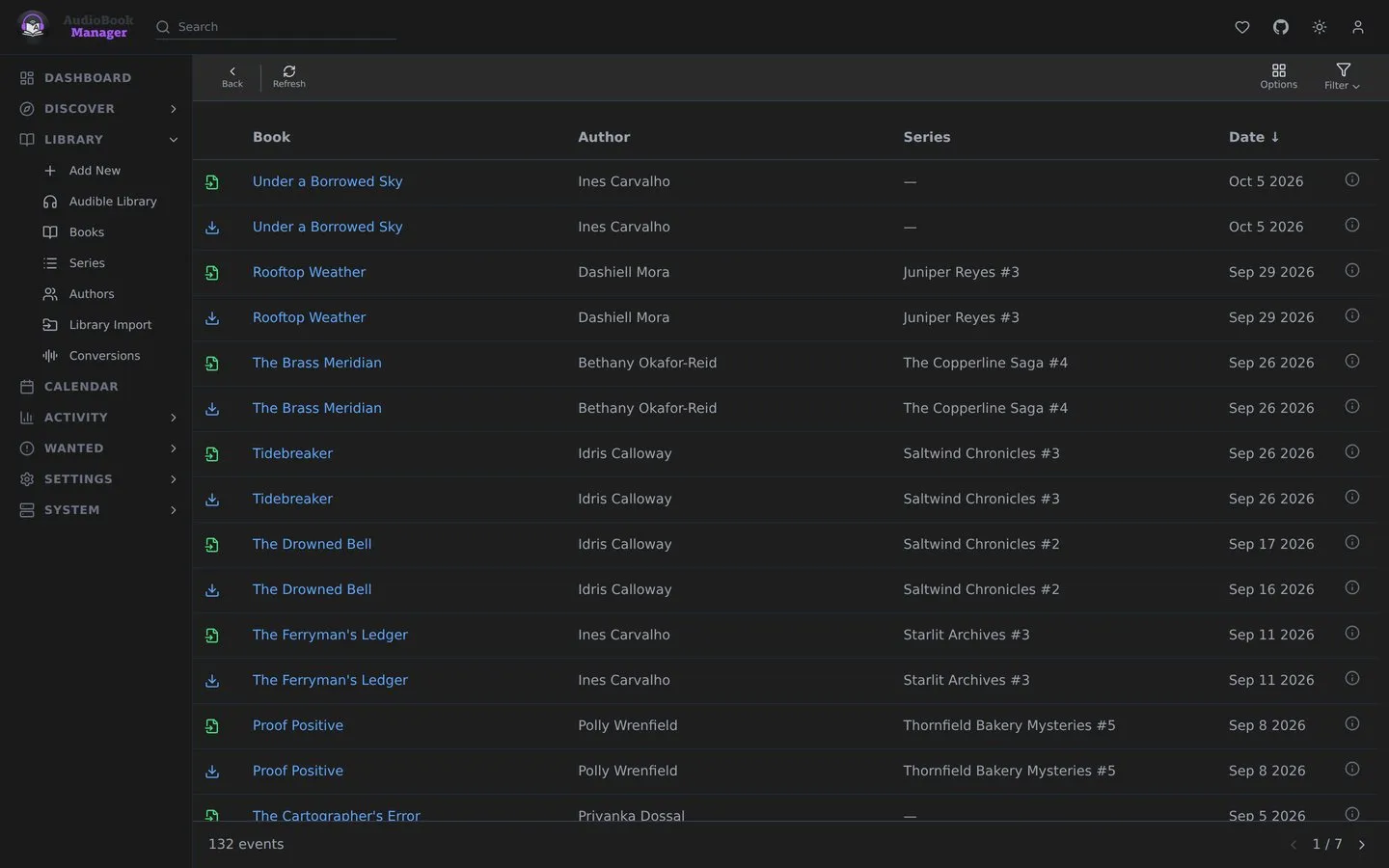
Section titled “History”Grabs, imports, failures and upgrades. A failed grab says which clients were tried.
Blocklist
Section titled “Blocklist”Releases ABM will not grab again, usually because they failed. Remove from Blocklist lets one back in. Redownload Failed in download handling adds a failed release here and searches again.
Not the same as Events
Section titled “Not the same as Events”These pages are about downloads. The system-wide record of what happened in ABM is the Activity Log.