 AudioBook
 Calendar
Upcoming releases and an iCal feed.
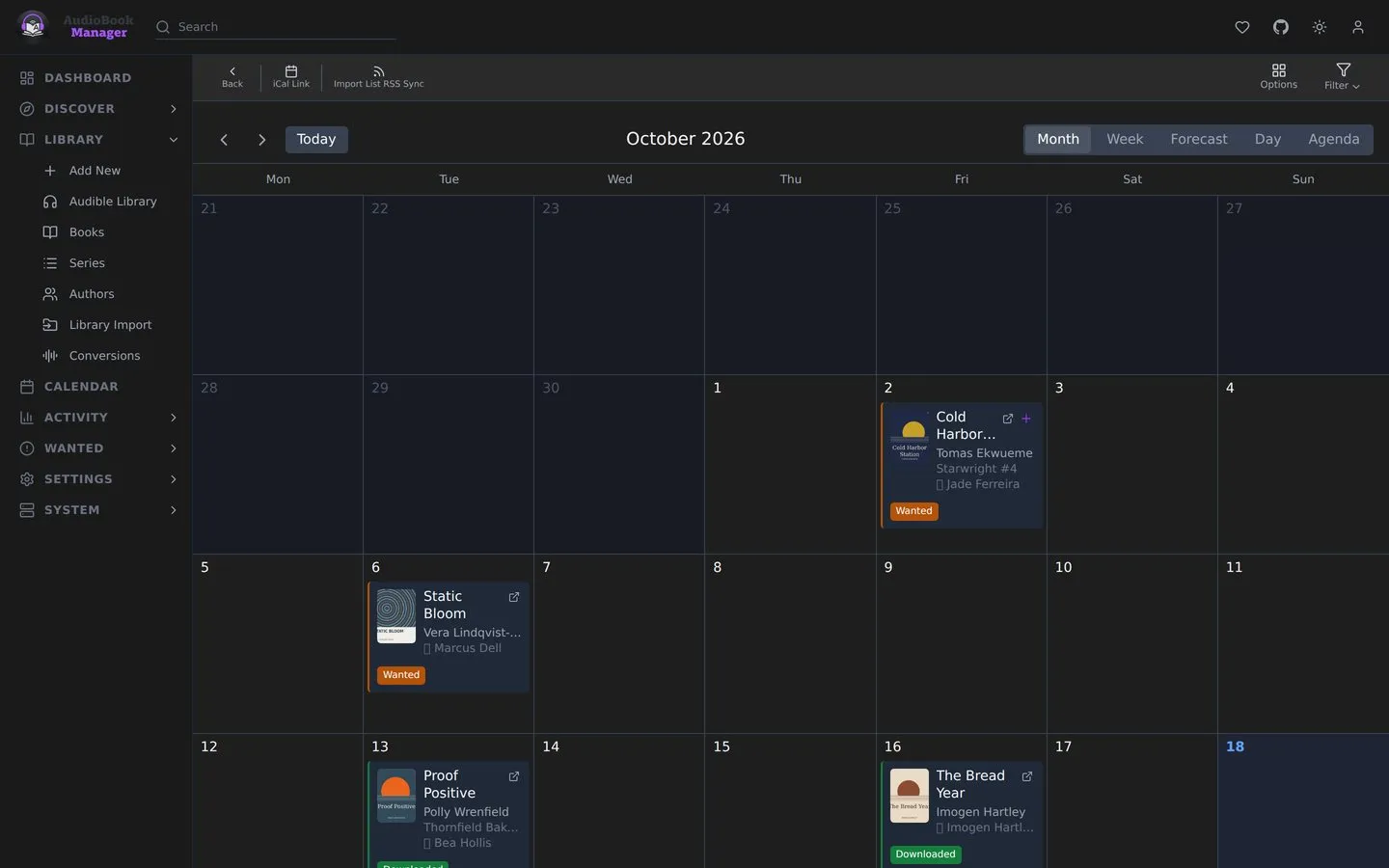
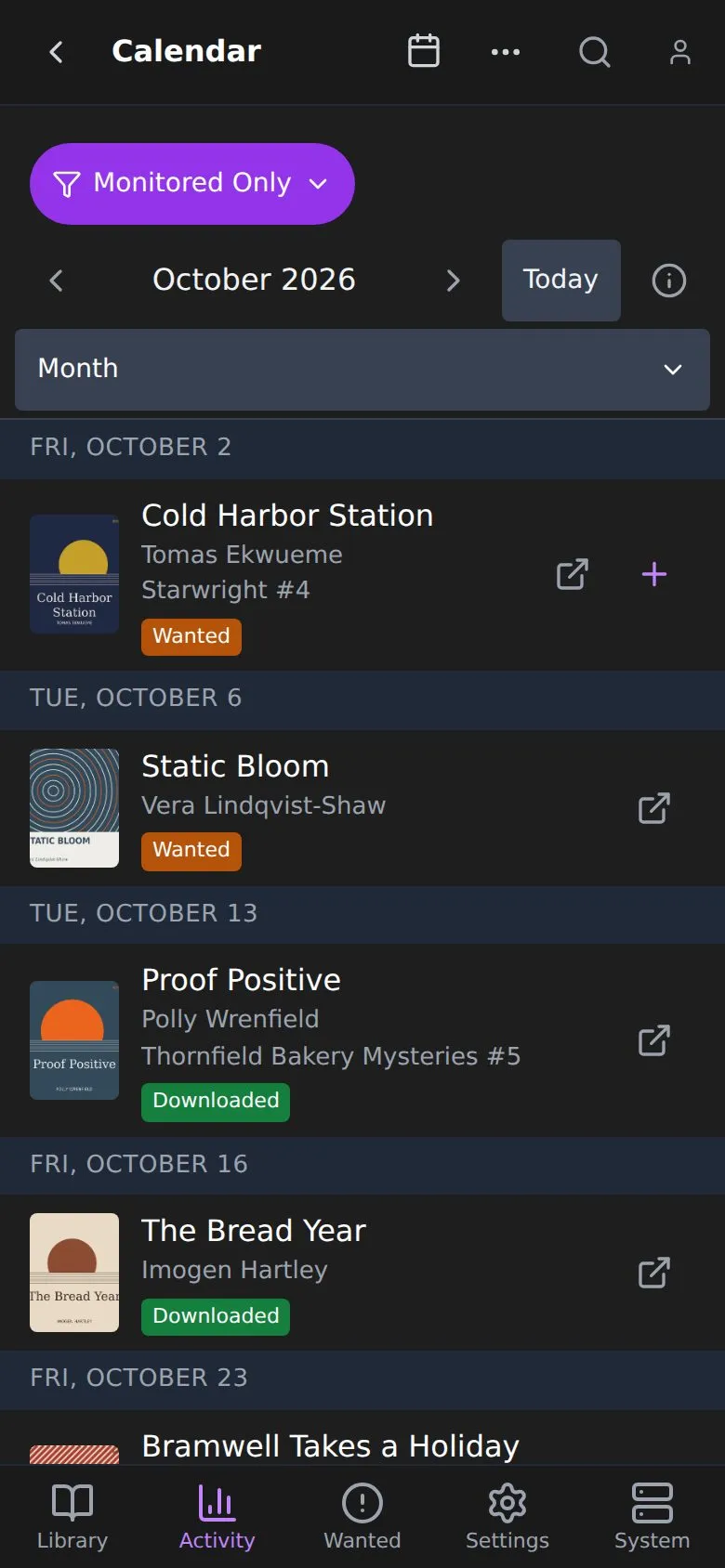
Calendar shows release dates of the books ABM knows about, colored by status. Views are month, week, forecast, day and agenda. The week starts on First Day of Week and the week view’s headers use Week Column Header, both from UI settings; the Calendar has no start-of-week or time format option of its own. A failed load shows an error with a Retry button instead of an empty month. A book that was downloaded but has no files left shows as Missing Files, the same as in the Library, and the legend has its colour.
Options
Section titled “Options”The Calendar Options button offers: collapse multiple books releasing on the same day, color the whole event with the status color, and show author and series information.
iCal feed
Section titled “iCal feed”Subscribe from a calendar app with the feed URL (copy it, or use Subscribe in Calendar App). Options:
- Include Unmonitored: include unmonitored books in the feed.
- Show as All-Day Events: events are all-day.
- Tags: the feed then contains only books with at least one matching tag.
The feed is served from ABM, so a calendar app outside your network needs a way to reach it and to authenticate. See Security and sign-in.